


There is a particular kind of joy in owning your music. Not renting it from a streaming giant that shuffles catalogs, removes albums overnight, and quietly nudges you toward whatever it wants you to hear, but genuinely owning a library of files you ripped, bought, or collected over years. The problem, of course, is that a folder of FLAC files sitting on a hard drive is not the same experience as opening an app on your phone and pressing play. You want that Spotify-like convenience without the Spotify-like leash.
That is exactly the gap self-hosted music servers fill. You point the software at your music folder, it reads the tags, builds a browsable library, and streams to apps on your phone, laptop, tablet, and TV, from anywhere. No monthly fee, no catalog games, no ceiling on how much you can store beyond the size of your own disks. In that sense, “unlimited” is literal: your library is as large as your storage allows.
Two projects dominate this conversation among self-hosters, and they approach the problem from opposite directions. Navidrome is a lightweight, music-only server built around the Subsonic API. Jellyfin is a full-featured media server that handles movies, TV, and music together, born as a community fork of Emby. Both are free, open-source, actively developed, and Docker-friendly. Both can absolutely stream your music. But they were designed with different goals, and that difference shapes almost everything about how they feel to run and use.
This article is a practical, hands-on comparison for the person trying to decide between them for music specifically. We will look at what each is built for, how you install and run it, what it costs you in resources, the music-specific features that matter day to day, the client app ecosystems, and finally a clear verdict broken down by use case. The short version, which I will spend the rest of the article justifying: if music is your priority, Navidrome is usually the better fit, but Jellyfin is the smarter choice when music is one part of a larger media collection. The nuance is where it gets interesting.
What Each Server Is Designed For
The single most important thing to understand about these two projects is that they were built to solve different problems, and nearly every strength and weakness flows from that original intent.
Navidrome: a focused music server
Navidrome is a music server and nothing else. Written in Go, it is designed to be a lightweight, self-hosted streaming server that presents your personal collection through a clean web interface and, crucially, through the Subsonic API. According to the project’s documentation, it aims for very low resource usage while supporting virtually any audio format you throw at it. The entire design philosophy is narrow and deep: do one thing, music, and do it exceptionally well.
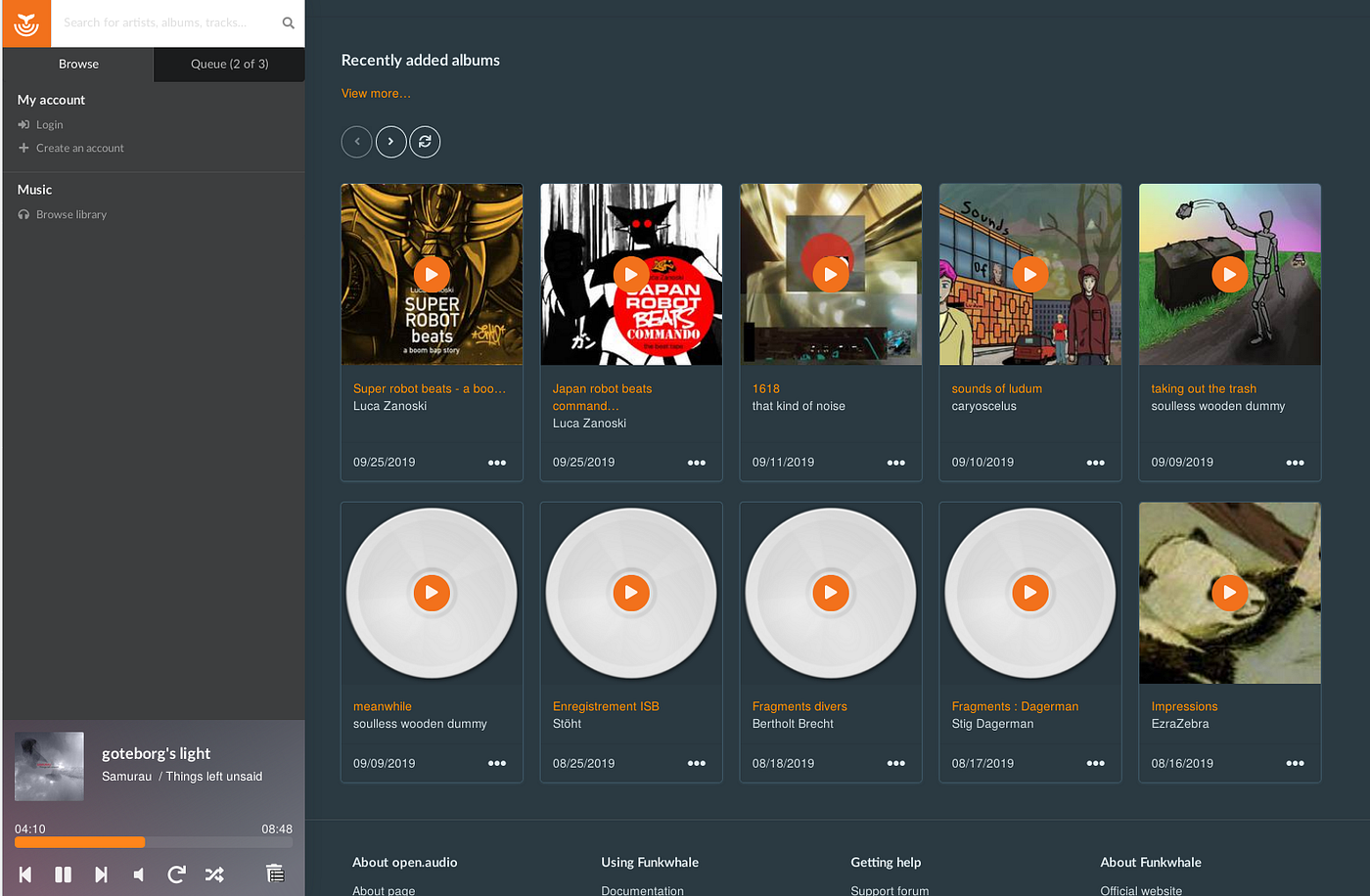
That Subsonic API is the key architectural decision. Subsonic was one of the original self-hosted music servers, and over the years its API became a de facto standard that dozens of client apps learned to speak. Navidrome implements that API (and the newer, community-driven OpenSubsonic extensions), which means it instantly inherits a large ecosystem of mature player apps without having to build any of them itself. You run Navidrome on your server, then pick from a wide range of Subsonic-compatible clients for whatever device you own. The server handles the library and streaming; the clients handle the listening experience.
Navidrome is also stateless in a way that appeals to tinkerers. It scans your music folder, stores its metadata in an embedded database, and treats your files as the source of truth. It does not reorganize or rewrite your files. It respects the tags you have already curated. For people who have spent years carefully tagging a collection, this is a feature, not a limitation.
Jellyfin: a complete media server
Jellyfin is a different animal entirely. It is a full home media server, a “Free Software Media System” as the project describes itself, forked from Emby in 2018 after Emby moved to a closed-source model. Jellyfin manages movies, TV shows, music, music videos, audiobooks, photos, and live TV, all from one server with one web interface and one set of user accounts. It is built primarily on .NET (C#), with a rich plugin architecture and its own family of client apps for browsers, phones, tablets, smart TVs, and streaming boxes.
Because Jellyfin’s ambition is so much broader, it comes with machinery that a pure music server never needs: sophisticated metadata scrapers that pull artwork and information from online databases, a serious video transcoding pipeline with hardware acceleration, support for subtitles and multiple audio tracks, DLNA, SyncPlay for watching together, and much more. Music, in this world, is one library type among several. Jellyfin treats your albums and artists as first-class citizens, but they live alongside your film collection under the same roof.
The practical implication is straightforward. If you already run Jellyfin for movies and TV, adding a music library is nearly free effort. But if all you have and all you want is music, Jellyfin brings a lot of weight you will never use.
Installation and Docker Deployment
For the self-hosting crowd, “how do I run it” is often the first real question, and both projects have converged on Docker as the recommended path.
Getting Navidrome running
Navidrome ships as a single self-contained binary, which is one of the pleasures of Go software. There is no runtime to install, no dependency hell, no separate database server to provision. You can run the native binary directly on macOS, Linux, or Windows, or you can use the official Docker image, which most people do.
A minimal Docker Compose setup for Navidrome is genuinely short: you map a data volume for its database and configuration, mount your music folder as read-only, expose a port, and start the container. That is essentially it. On first launch it scans your library, you create an admin account through the web UI, and you are streaming within minutes. Because everything lives in that one binary plus a small embedded database, backups are trivial and the whole thing feels refreshingly uncomplicated. It runs happily on a Raspberry Pi, a cheap VPS, or an old laptop pressed into service as a home server.
Getting Jellyfin running
Jellyfin also offers an official Docker image, along with native packages for Linux distributions, Windows, macOS, and various NAS platforms. The community images from LinuxServer.io are also popular. A Compose file for Jellyfin is a bit more involved than Navidrome’s, largely because of the additional surface area: you typically map separate volumes for configuration and cache, mount one or more media folders, expose the web port, and, if you want hardware-accelerated transcoding, pass through a GPU device (an Intel iGPU via /dev/dri, or an NVIDIA card via the container toolkit). That GPU pass-through is optional but is where a chunk of Jellyfin setup complexity lives.
None of this is difficult by self-hosting standards, and Jellyfin’s documentation is thorough. But there is simply more to configure: library types to define, metadata providers to enable or disable, transcoding settings to tune, user permissions to set. The first-run wizard walks you through the essentials. Expect to spend more time getting Jellyfin dialed in than you would with Navidrome, and expect that time to scale with how much you care about the video side of things.
Resource Usage and Footprint
This is one of the clearest points of separation, and it matters more than people expect, especially if you are running on modest hardware.
Navidrome’s headline claim, straight from its documentation, is very low resource usage: the project explicitly notes it runs well even on something as small as a Raspberry Pi Zero. In practice, a Navidrome instance serving a personal library tends to sip memory and sit near-idle on the CPU except during library scans or on-the-fly transcoding. The Go runtime is efficient, the embedded database is lightweight, and there is no video machinery consuming resources in the background. For a low-power always-on box, this is close to ideal.
Jellyfin’s footprint is necessarily larger. The .NET runtime and the broader feature set mean a higher baseline memory consumption, and Jellyfin does more background work: scanning multiple library types, fetching and caching artwork and metadata, maintaining its databases. For pure audio streaming to a client that can play the file directly, the ongoing CPU cost is modest. The heavy resource demands in Jellyfin come from video transcoding, which is irrelevant to a music-only workload. Still, even at rest, Jellyfin asks for more than Navidrome does.
I want to be careful here rather than throw around invented benchmark numbers. Exact memory and CPU figures vary enormously with library size, client behavior, and configuration, and the community benchmarks floating around should be taken as rough guidance. The qualitative picture is what is reliable and it is not really in dispute: Navidrome is the lighter of the two by a meaningful margin, and if you are trying to squeeze a music server onto a Pi or a tiny VPS alongside other services, that difference is decisive. Jellyfin is not heavy by the standards of media servers, but it is heavy compared to a tool that only does music.
Music Library Management and Tagging
How each server understands your music collection is where day-to-day satisfaction is won or lost.
Navidrome’s approach to your library
Navidrome is built by and for people who care about music metadata. It reads the embedded tags in your files, ID3 for MP3s, Vorbis comments for FLAC and Ogg, and so on, and treats those tags as authoritative. It watches your library for new files and metadata changes and updates automatically. It has strong support for the messy realities of real collections: compilations, box sets, multi-disc albums, various-artists releases, and the distinction between album artist and track artist. It can browse by genres, years, and other tag-based facets.
Crucially, Navidrome does not touch your files. It will not rename them, move them, or rewrite tags. If you are the kind of listener who has invested serious time in tools like MusicBrainz Picard to get every tag right, Navidrome rewards that work by faithfully reflecting it. It also pulls supplementary data, artist images and biographies, from external services like Last.fm, Spotify, and Deezer to enrich the browsing experience, but the core organization comes from your tags. The OpenSubsonic extensions it supports add niceties like synchronized lyrics and richer metadata that modern clients can display.
Jellyfin’s approach to your library
Jellyfin also reads your embedded tags, but its heritage as a video-first server shapes how it thinks about libraries. It leans on a defined folder structure, typically Artist / Album / tracks, and combines your tags with metadata fetched from online music databases to build out the library, complete with artwork. This works well and produces a visually rich result, but it means Jellyfin is more opinionated about how you lay out your files, and its scraper-driven approach can occasionally disagree with your carefully hand-tuned tags in ways that require correction.
For a well-organized collection, Jellyfin does a perfectly good job. It handles multi-user libraries, per-user play state, and large catalogs. But it is fair to say that music metadata is not the primary thing Jellyfin’s developers optimize for, because they are also maintaining a full video pipeline. Navidrome’s narrower focus shows up here as a more music-native feel: it simply understands the peculiarities of audio collections a little more fluently. Even Jellyfin-focused guides acknowledge that dedicated servers like Navidrome offer targeted, music-specific advantages.
Playlists and Smart Playlists
Both servers support ordinary playlists, the manually curated lists you build track by track, and both can import and sync standard M3U playlist files from your library.
Where they differ is smart, rule-based playlists, the kind that automatically populate themselves based on criteria: “everything tagged jazz, added in the last year, that I’ve rated at least four stars, sorted by play count.” Navidrome supports these through a feature it calls Smart Playlists, defined via special .nsp files (Navidrome Smart Playlist), which the documentation still describes as a beta feature. You write a small set of rules and Navidrome keeps the playlist updated dynamically as your library and listening habits change. For power users, this is a genuinely useful tool for surfacing music you would otherwise forget you own.
Jellyfin’s smart or dynamic playlist capability is generally weaker out of the box and often depends on plugins or client-side features rather than a first-class server feature. If auto-generated, rule-driven playlists are important to you, Navidrome has the edge here, though it is worth remembering the feature is still maturing. Neither server matches the algorithmic “discover weekly” style recommendations of commercial streaming services; that kind of large-scale collaborative filtering is simply not what self-hosted tools do. What they offer instead is deterministic, rule-based control that you fully understand and own.
Transcoding and Audio Quality
Transcoding, converting audio on the fly to a different format or bitrate, matters for two reasons: saving bandwidth when you are streaming remotely over a slow connection, and ensuring compatibility with a client that cannot play your source format.
Navidrome supports dynamic transcoding with per-user and per-player configuration, and can encode to formats like Opus, which is excellent for low-bandwidth streaming. You can set a player to receive the original lossless file when you are on your home network and a compressed stream when you are on mobile data. Because Navidrome is music-only, its transcoding is tuned entirely for audio, and it does this competently. For direct playback of formats the client supports, it simply streams the file untouched, preserving full quality.
Jellyfin has a far more elaborate transcoding engine, but most of that sophistication is aimed at video: hardware acceleration via Intel QuickSync, NVIDIA NVENC, AMD, and VAAPI, tone-mapping HDR, subtitle burn-in, and so on. For audio, Jellyfin will transcode when needed and direct-play when possible, and it supports high-fidelity formats including FLAC and ALAC. Both servers preserve audio quality on direct play; both can compress for remote streaming. For pure music purposes, the two are roughly comparable in outcome, with Navidrome’s simpler, audio-focused approach being easier to reason about and Jellyfin’s engine being vastly more capable at the video work you are not doing here.
The genuinely important point for audiophiles: both servers can serve your lossless files bit-perfect to a capable client when transcoding is disabled. Neither degrades your music unless you ask it to.
Client Apps: The Deciding Factor for Many
This is arguably the most important practical consideration, because you do not actually interact with the server most of the time. You interact with a client app on your phone in the car, on your laptop at work, on a tablet in the kitchen. The quality and variety of those apps shapes your daily experience more than any server-side feature.
Navidrome’s Subsonic ecosystem
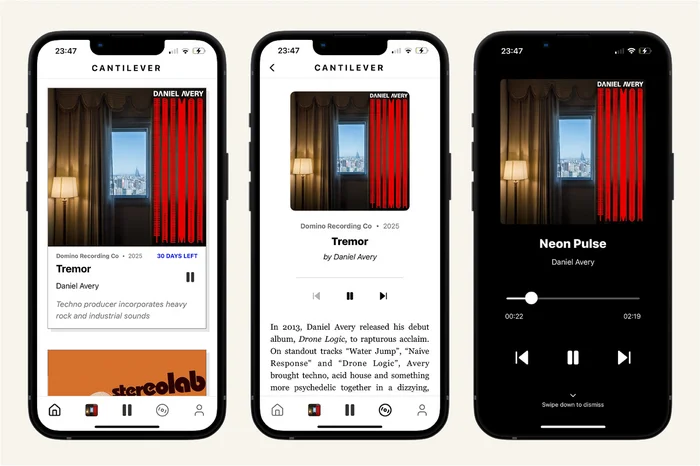
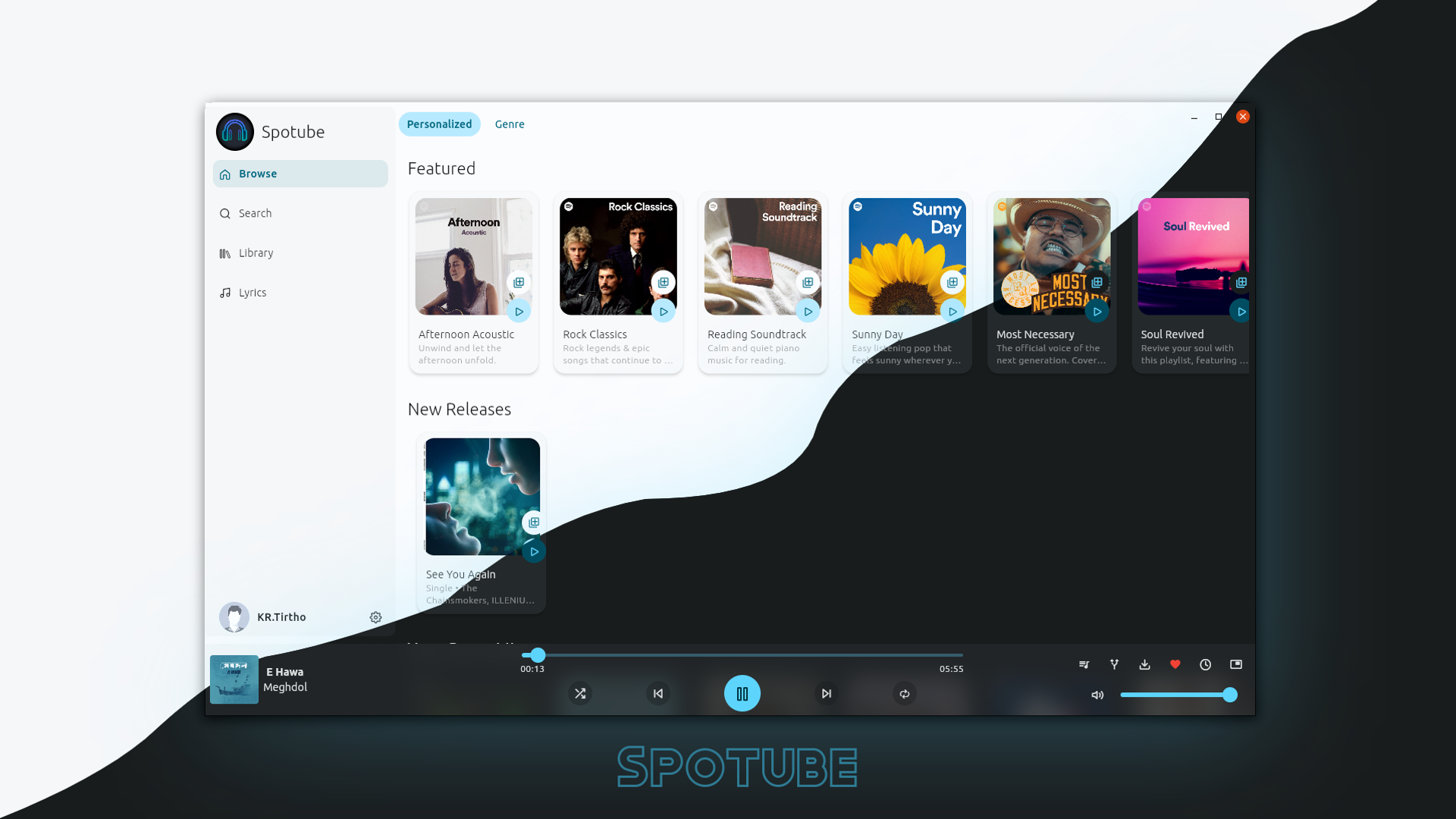
By speaking the Subsonic and OpenSubsonic API, Navidrome plugs into one of the richest client ecosystems in self-hosted software. You are not locked into a single official app; you choose from a broad field of third-party players, many of them excellent, mature, and actively developed. A sampling from Navidrome’s own client list gives the flavor:
- On iOS and macOS: Amperfy (offline support, CarPlay integration), play:Sub, iSub, and newer native apps like Cassette and Narjo aimed at audiophiles with lossless playback.
- On Android: Symfonium (a polished, powerful player with a serious equalizer, also supporting Plex and Jellyfin), Substreamer (offline downloads and scrobbling), DSub, and modern Material Design apps like Tempo and Chora with synced lyrics.
- On the desktop: Feishin (with an MPV backend and a web player), Supersonic (lightweight and cross-platform), and Sonixd-style players, plus web-based clients like Airsonic Refix and ampcast.
This variety is a real strength. If you dislike one app’s design, you switch to another without changing your server. If you have an iPhone, an Android tablet, and a Linux laptop, you can find a good native client for each, all talking to the same Navidrome instance. Notably, Symfonium is a widely praised app that works with both Navidrome (via Subsonic) and Jellyfin, so it straddles both worlds.
Jellyfin’s client landscape
Jellyfin has official apps for the web, Android, iOS, Android TV, and other platforms, plus a large collection of third-party clients. These official apps are competent all-rounders, but because they are built to handle movies, TV, and music together, the music experience in the general-purpose Jellyfin apps has historically felt secondary to video, a media browser first and a music player second.
The music situation on Jellyfin is dramatically improved by dedicated third-party audio clients, and this is where it gets genuinely good. Finamp is the standout, a Jellyfin-specific music player available on iOS and Android with proper offline downloads, and it is the app most Jellyfin-for-music users reach for. Symfonium (again) speaks to Jellyfin natively and is a favorite among Android users for its polish and offline support, including Android Auto. Feishin can also connect to Jellyfin on the desktop. With Finamp or Symfonium in the picture, Jellyfin’s music experience goes from “fine” to genuinely pleasant.
The honest summary: Navidrome wins on breadth and maturity of music-specific clients thanks to the Subsonic standard, while Jellyfin closes most of the gap if you commit to Finamp or Symfonium. If a particular client app is your must-have, check which server it supports before you decide anything else, because for a lot of people the app is the whole product.
Offline Sync, Multi-User, and Sharing
Offline sync matters the moment you get on a plane or drive through a dead zone. On both platforms, offline listening is a client feature rather than a server feature. For Navidrome, apps like Amperfy, Substreamer, and Symfonium handle downloads and caching for offline playback. For Jellyfin, Finamp and Symfonium provide robust offline downloads. In both cases the capability is excellent as long as you pick a client that supports it, so this comes down to app choice more than server choice.
Multi-user support is solid on both. Navidrome gives each user their own play counts, playlists, favorites, and ratings, and supports multiple libraries with per-user access controls, a relatively recent and welcome addition for households with distinct tastes. Jellyfin has a mature, granular user and permission system inherited from its media-server lineage, with per-user libraries, parental controls, and access restrictions, which is more elaborate than most music-only setups need but genuinely useful for families sharing a broader media collection.
Sharing is available on both. Navidrome can generate public share links for albums, songs, and playlists so you can send a friend a track without giving them an account. Jellyfin’s sharing is oriented more around inviting users into the server. For casual “listen to this one album” sharing, Navidrome’s link-based approach is more direct.
Authentication and Security
Both servers support standard username-and-password authentication with multi-user accounts, and both are commonly placed behind a reverse proxy (Caddy, Nginx, or Traefik) with HTTPS when exposed to the internet, which is the sensible baseline for any self-hosted service.
Navidrome supports externalized authentication, allowing integration with an existing identity provider or reverse-proxy authentication setup, which is handy if you already run something like Authelia or Authentik in front of your services. One wrinkle worth knowing: because Navidrome must remain compatible with the Subsonic API, and older Subsonic clients use a token-and-salt authentication scheme derived from the password, there are historical constraints around how credentials are handled for maximum client compatibility. Modern OpenSubsonic clients improve on this, but it is a consequence of prioritizing the broad client ecosystem.
Jellyfin has its own authentication system and supports plugins for LDAP and SSO integration, reflecting its more enterprise-adjacent heritage. For most home users, either server’s built-in auth behind a reverse proxy is entirely adequate. If you have a serious single-sign-on setup and want everything to flow through it, both can be made to cooperate, with Jellyfin’s plugin ecosystem giving it a slight edge in formal SSO integrations and Navidrome leaning on proxy-based auth.
Scrobbling and Listening History
For a lot of music lovers, scrobbling, logging what you listen to, to Last.fm or ListenBrainz, is non-negotiable. It builds your listening history, powers recommendations elsewhere, and is just satisfying to accumulate.
Here Navidrome has a clear, built-in advantage. It supports scrobbling to Last.fm, ListenBrainz, and Maloja directly from the server, so no matter which client you use, your plays are logged consistently. Because the scrobbling happens server-side, you configure it once and every client benefits, which is genuinely convenient when you switch between multiple apps and devices.
Jellyfin supports scrobbling through plugins, most commonly a Last.fm plugin, and ListenBrainz support is likewise available via community plugins. This works, but it is plugin-dependent rather than a core feature, and configuration is a little more involved. Some Jellyfin music clients also implement their own scrobbling. The net result is that scrobbling on Jellyfin is achievable and widely used, but Navidrome’s first-class, multi-service, server-side scrobbling is the smoother experience for anyone who treats their listening history as important.
Recent Developments
Both projects are healthy and under active development as of 2026, which is exactly what you want before committing your music collection to a piece of software.
Navidrome has continued to mature its feature set. Multi-library support, letting a single instance serve multiple distinct libraries with per-user access, has been a significant addition that broadens who the server suits. Smart playlists via .nsp files continue to evolve, though the documentation still labels them beta. Its ongoing embrace of the OpenSubsonic extensions keeps expanding what modern clients can do, adding things like synchronized lyrics and richer metadata. The project’s documentation and release cadence both reflect steady, active maintenance through 2026.
Jellyfin likewise continues its steady release rhythm, with ongoing improvements to transcoding, hardware acceleration, its client apps, and the plugin ecosystem. Its trajectory remains that of a comprehensive media server, so music improvements tend to arrive alongside broader platform work rather than as a dedicated focus. The wider Jellyfin community, meanwhile, keeps producing better music clients, with Finamp in particular seeing continued development that materially improves the music-on-Jellyfin story.
I am deliberately not attaching specific version numbers to these developments, because release specifics change quickly and I would rather you check the projects’ own release pages for the current state than trust a number that may already be stale by the time you read this.
Head-to-Head Comparison
Here is the practical summary in one place.
| Dimension | Navidrome | Jellyfin |
|---|---|---|
| Primary purpose | Music-only server | Full media server (movies, TV, music, more) |
| Technology | Go, single binary | .NET / C#, plugin architecture |
| Resource footprint | Very light; runs on a Pi Zero | Heavier baseline; more background work |
| Installation complexity | Minimal; one binary or small Compose file | More involved; more to configure |
| Music library handling | Tag-native, respects your files, strong compilation support | Folder + scraper driven, video-first heritage |
| Client ecosystem | Broad Subsonic/OpenSubsonic app field | Official apps plus Finamp, Symfonium for music |
| Smart playlists | Yes, rule-based .nsp files (beta) | Limited; often plugin/client dependent |
| Transcoding | Audio-focused, per-user/player, Opus | Powerful engine (video-oriented), audio capable |
| Offline sync | Via clients (Amperfy, Substreamer, Symfonium) | Via clients (Finamp, Symfonium) |
| Scrobbling | Built-in: Last.fm, ListenBrainz, Maloja | Via plugins (Last.fm, ListenBrainz) |
| Multi-user | Yes, per-user state, multi-library | Yes, granular permissions, parental controls |
| Sharing | Public share links for songs/albums/playlists | User-account oriented |
| Video / photos / TV | No | Yes, comprehensively |
| Best when | Music is the priority | You want one server for all media |
Treat the qualitative rows as reliable and any implied performance comparisons as directional rather than precise; real-world results depend on your hardware and library.
When Navidrome Wins
Choose Navidrome if music is the point. If you have a carefully curated collection, you care about your tags being respected, and you want the lightest possible always-on server, Navidrome is the natural choice. It shines on modest hardware, a Raspberry Pi, a small VPS, a home server shared with a dozen other containers, precisely because it asks for so little.
Navidrome also wins if you value client choice. The Subsonic ecosystem gives you a deep bench of mature, native music players across every platform, so you are never hostage to a single official app’s design decisions. And it wins if scrobbling and listening stats are part of your identity as a listener, thanks to its built-in, server-side, multi-service scrobbling. Add its direct public sharing and rule-based smart playlists, and Navidrome is the more music-native tool in almost every respect that a dedicated listener notices. It is the server you pick when you want a private, self-hosted Spotify replacement and nothing more.
When Jellyfin Wins
Choose Jellyfin if music is one part of a bigger picture. If you also have a movie and TV collection, or audiobooks, or home videos and photos, running one server for everything is a massive practical win. One installation, one set of accounts, one backup routine, one thing to maintain and update. Adding a music library to an existing Jellyfin box is trivial, and with Finamp or Symfonium as your player, the music experience is genuinely good, not a grudging afterthought.
Jellyfin also wins if you want a polished, visually rich unified interface for browsing all your media, if you need its more elaborate user-permission and parental-control system for a family, or if you want features like SyncPlay and DLNA that a music-only server simply does not offer. Its powerful transcoding engine, overkill for pure audio, is exactly what you want the moment video enters the equation. In short, Jellyfin wins on breadth and consolidation. If the alternative is running Jellyfin for video and a second server for music, many people will reasonably prefer to let Jellyfin do both.
The Verdict
There is no universally correct answer, only the right answer for your situation, so here is the recommendation broken down by who you are.
If you only care about music, run Navidrome. It is lighter, simpler, more music-native, has built-in scrobbling, respects your tags, and opens the door to the excellent Subsonic client ecosystem. For the person whose goal is a private, self-hosted replacement for Spotify or Apple Music, Navidrome is the better tool, full stop. The narrow focus that some might see as a limitation is exactly what makes it so good at the one job it does.
If you have a broad media collection, run Jellyfin, and use its music library alongside everything else. The convenience of one server for movies, TV, and music outweighs the fact that a dedicated music server would handle the audio side marginally better. Pair it with Finamp or Symfonium and you get a music experience that is more than good enough, without the overhead of maintaining a second service.
If you are torn, consider a genuinely appealing hybrid: run Jellyfin for your video collection and Navidrome for music, pointed at the same music folder or a separate one. Both are free, both run comfortably in Docker, and this lets each tool do what it does best. Resource-permitting, this “both” approach is common among self-hosters precisely because these tools are lightweight and cooperative, and Symfonium can even talk to both from a single app. It is not a cop-out; for many people it is the optimal setup.
Whatever you choose, the deeper point stands. Both Navidrome and Jellyfin are mature, actively developed, free and open-source, and either one will free you from the rental model and give you real, durable ownership of your music, streamable anywhere, unlimited by anything but your own storage. In a media landscape defined by subscriptions that giveth and taketh away, that is worth a great deal. Pick the one that fits your collection, point it at your files, and enjoy the quiet satisfaction of pressing play on music that is genuinely, permanently yours.
Sources and further reading: Navidrome Overview, Navidrome Client Apps, Navidrome Smart Playlists, Navidrome Releases, Jellyfin as a Music Server in 2026 (JellyWatch), Jellyfin Transcoding docs, Jellyfin Hardware Selection, Symfonium, Finamp on Google Play.