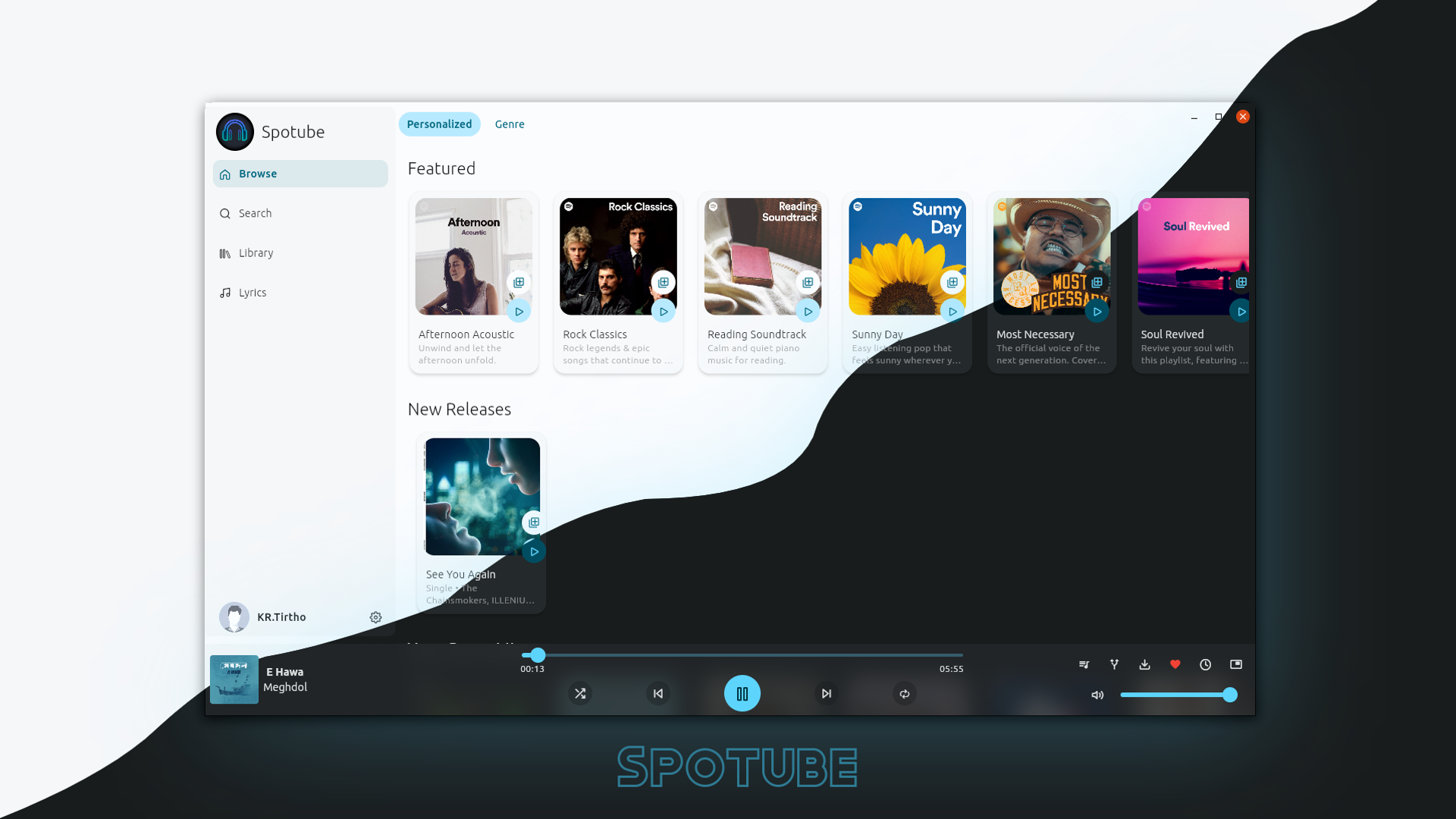


Commercial music streaming services offer convenience, massive catalogs, and polished apps. They also come with monthly fees, opaque algorithms, sudden licensing removals that gray out tracks, limited control over data, and royalties so low that many independent artists earn almost nothing from streams. For programmers who value ownership, privacy, and independence, there is a clear alternative: turn a low-cost Raspberry Pi into a personal, unlimited music streaming server that plays only the music you already own.
This approach has become popular among independent developers and self-hosters. The most common tool for the job is Navidrome, a free, open-source, music-only server written in Go. It is extremely lightweight, implements the widely supported Subsonic/OpenSubsonic API, and runs comfortably even on modest hardware. Combined with a Raspberry Pi, it creates a private “Spotify” that costs almost nothing to operate after the initial hardware purchase.
Why a Raspberry Pi?
Raspberry Pi boards are ideal for this project. They consume very little power (typically 3–7 W under light load), run 24/7 without generating significant heat or noise, and cost far less than a dedicated NAS or old PC. Navidrome’s resource usage makes the combination especially attractive:
- Idle RAM usage is typically around 50 MB (sometimes as low as 30–80 MB depending on library size and configuration).
- It has been successfully tested on Raspberry Pi 4, Pi 5, and even the tiny Raspberry Pi Zero 2 W with only 512 MB of RAM.
- A Pi 4 or Pi 5 with 4 GB or more RAM leaves plenty of headroom for other services or simultaneous streams.
Storage is more important than raw CPU power. MicroSD cards work for small libraries but wear out under constant reading and are relatively slow. Most builders attach an external USB SSD or hard drive (or mount a network share from a NAS) for the music collection. This keeps the system responsive and protects the SD card.
Choosing the Software: Navidrome as the Core
Independent programmers usually prefer purpose-built tools over general media servers when music is the primary use case. Navidrome stands out for several reasons:
- It is music-only and optimized for that purpose.
- Native support for the Subsonic API unlocks a large ecosystem of mature third-party clients on Android, iOS, desktop, and web.
- Built-in features include multi-user support with separate play counts and playlists, smart playlists, on-the-fly transcoding via FFmpeg, Last.fm and ListenBrainz scrobbling, ReplayGain, and good handling of multi-disc albums and compilations.
- It scans large libraries efficiently (libraries with tens or hundreds of thousands of tracks are common).
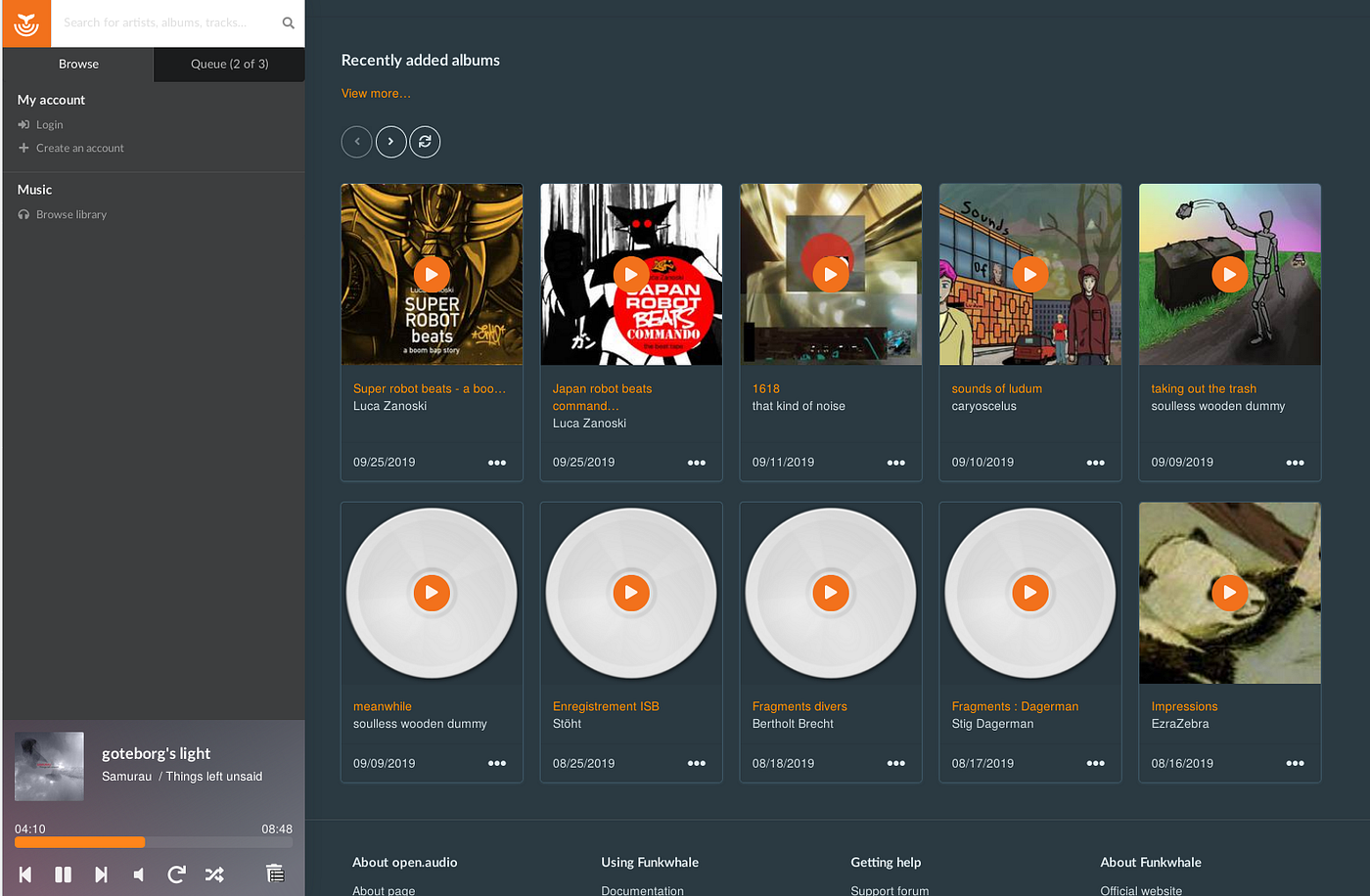
Jellyfin is a strong alternative if you already run it for video and want a single server for everything. Its music features are solid but heavier on resources and offer fewer dedicated music clients. Many people run both: Navidrome for music and Jellyfin for movies and TV. Funkwhale offers federation via ActivityPub for those interested in sharing libraries across instances, but it is heavier and less focused on the classic “personal Spotify” experience.
Preparing the Hardware and Operating System
- Choose a Raspberry Pi 4 or 5 (4 GB or 8 GB recommended for comfort). A Pi Zero 2 W works for lighter use.
- Flash Raspberry Pi OS Lite (64-bit, Bookworm or later) for a minimal footprint. Enable SSH during imaging and set a strong password or key-based authentication.
- Update the system and install essential tools.
- Attach storage. Mount an external USB SSD at a fixed path such as /mnt/music. Use a stable mount (via /etc/fstab or systemd) so the path remains consistent after reboots.
- Optionally set a static IP address on the local network so clients can always reach the server at the same address.
Installation with Docker (Recommended)
Docker is the preferred method for most independent developers because it simplifies updates, isolation, and reproducibility. On Raspberry Pi OS:
Bash
curl -fsSL https://get.docker.com | sh
sudo usermod -aG docker $USER
# Log out and back in, or reboot
Create a project directory and a docker-compose.yml (or compose.yaml):
YAML
services:
  navidrome:
    image: deluan/navidrome:latest
    container_name: navidrome
    user: "1000:1000"          # Match your host user ID
    ports:
      - "4533:4533"
    restart: unless-stopped
    environment:
      ND_SCANSCHEDULE: 1h
      ND_LOGLEVEL: info
      ND_SESSIONTIMEOUT: 24h
      ND_ENABLETRANSCODINGCONFIG: "true"
    volumes:
      - ./data:/data
      - /mnt/music:/music:ro   # Read-only is safer
Start the service:
Bash
docker compose up -dOpen a browser to http://<raspberry-pi-ip>:4533. On first launch, create an administrator account. Navidrome will begin scanning the music folder. The initial scan time depends on library size and storage speed; subsequent scans are incremental and much faster.
FFmpeg must be available for transcoding (most Docker images include it or it can be installed on the host). Proper tagging of your music files (using tools such as MusicBrainz Picard) dramatically improves the experience—album art, artist biographies, and accurate metadata make the library feel polished.
Clients: Turning the Server into a Real Streaming Experience
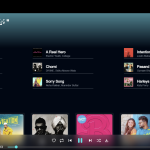
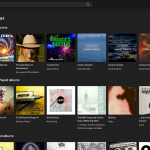
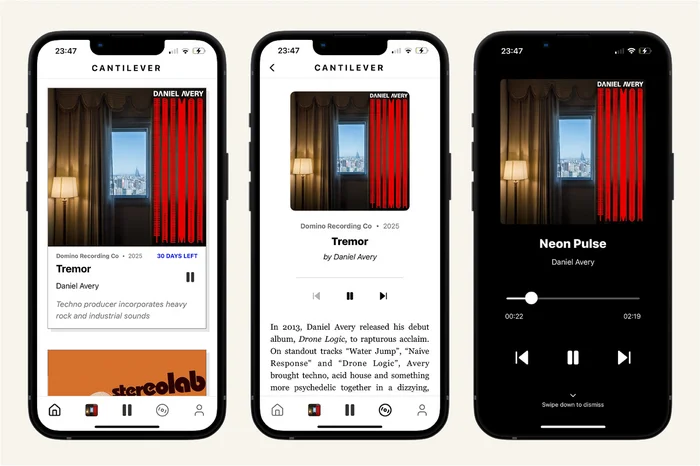
Navidrome’s web interface is functional and modern, but the real power comes from dedicated clients that speak the Subsonic/OpenSubsonic API:
- Android: Symfonium (polished, feature-rich, paid), Ultrasonic or DSub (open-source options), Tempo.
- iOS: Amperfy (free), play:Sub, Substreamer, or newer options such as NaviBeat and Sonora.
- Desktop: Feishin (excellent cross-platform web/desktop client), Supersonic, Strawberry (strong gapless and ReplayGain support).
- Other: Many users also use web-based or progressive web apps.
These clients support offline caching/downloads, gapless playback (client-dependent), queues, artist radio, smart playlists, and more. You can switch clients freely without changing anything on the server.
Remote Access and Advanced Features
Local network streaming is straightforward. For access outside the home, independent programmers commonly use:
- Tailscale or another WireGuard-based mesh VPN (simple, secure, no open ports).
- A reverse proxy (Nginx, Caddy, or Traefik) with HTTPS via Let’s Encrypt, optionally combined with authentication.
- Dynamic DNS if a public IP is used carefully.
Additional useful features include:
- On-the-fly transcoding to lower bitrates for mobile data.
- Scrobbling to Last.fm or ListenBrainz for listening history and discovery.
- Multiple user accounts with individual playlists and statistics.
- Automatic playlist import from .m3u files.
- Backup of the data directory (which contains the database and configuration).
Real-World Benefits and Trade-offs
The advantages are substantial. You own every track permanently. There are no monthly fees after hardware and electricity. Playlists never disappear because of licensing changes. Privacy is complete—no tracking of listening habits by large corporations. Independent artists benefit indirectly when listeners buy music (for example on Bandcamp) and then stream their own copies instead of relying solely on low-royalty platforms.
Limitations exist. You must maintain the hardware and software yourself (updates are simple with Docker). There is no algorithmic discovery of new commercial releases unless you actively add music. Catalog size is limited to what you own or legally obtain. Gapless playback and some advanced features depend on the client rather than the server.
Many programmers report that after a few weeks the experience feels more personal and reliable than commercial services. The Raspberry Pi sits quietly in a corner, drawing little power, while phones, tablets, desktops, and even car systems stream the library over the local network or a secure VPN.
Conclusion
Building a personal Spotify on a Raspberry Pi is one of the most practical and rewarding self-hosting projects available to independent programmers. With Navidrome (or a complementary setup involving Jellyfin), a modest amount of storage, and a few hours of setup, you gain unlimited streaming of your own music collection under complete control. The software is free, actively maintained, and designed exactly for this use case. The hardware is inexpensive and efficient. The result is a private music service that prioritizes ownership, privacy, and independence—values that align closely with the ethos of open-source development.
Once the server is running and a preferred client is configured, the monthly subscription notices from commercial platforms start to look optional rather than necessary. For many, that shift is permanent.